install.packages("ggspatial")
install.packages("sf")R语言采样地图绘制详细教程
可视化
地图
本期主要介绍如何绘制采样地图和国内区域地图,并自定义相关内容
R包介绍
R包安装
基础绘图代码
导入地图json数据
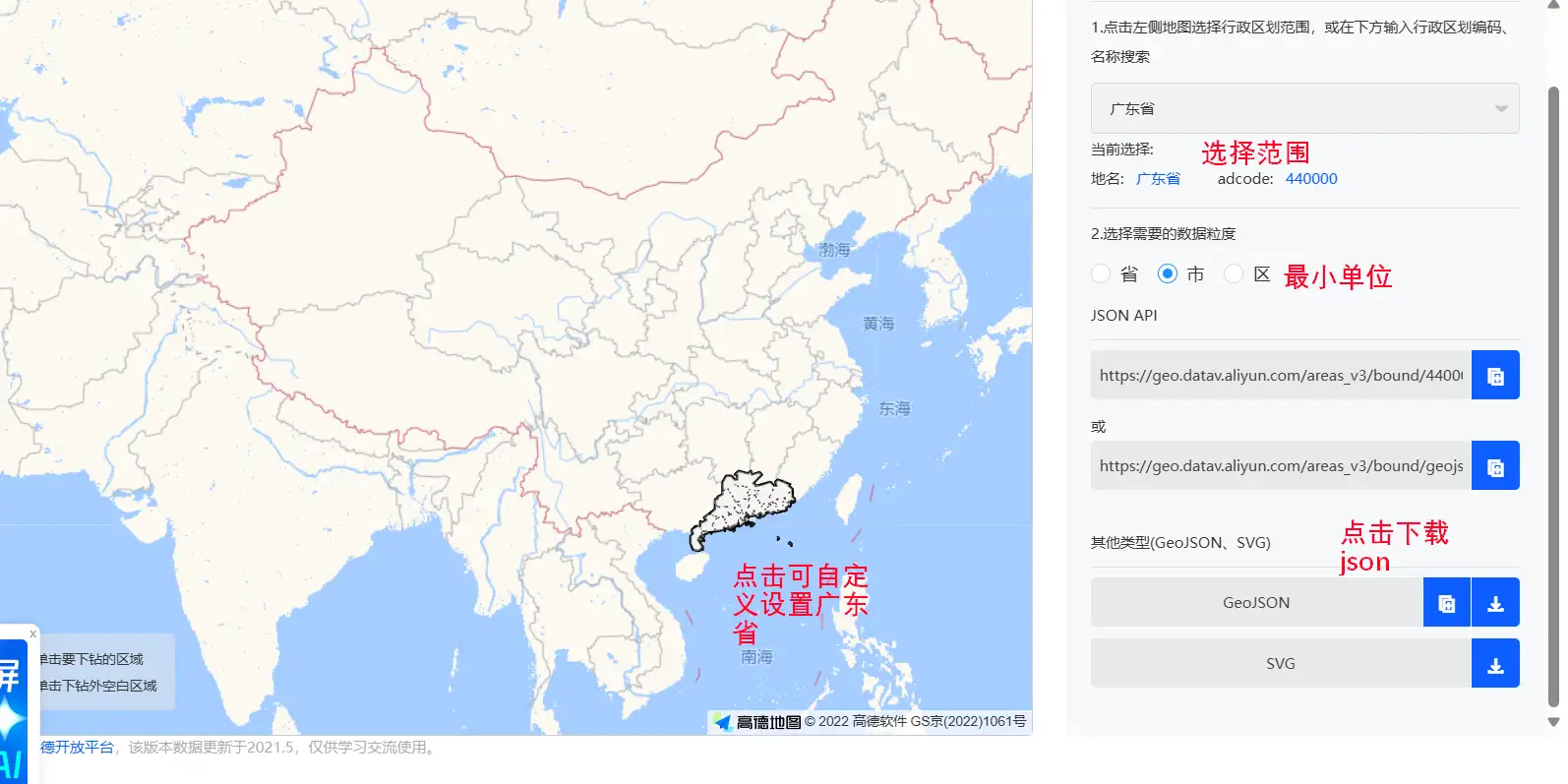
进入从阿里云DataV可视化网站(可选择其他平台)下载格式为.json的地图数据:
数据导入
library(ggspatial)
library(sf)
Linking to GEOS 3.13.1, GDAL 3.11.4, PROJ 9.7.0; sf_use_s2() is TRUElibrary(ggplot2)
# 导入地图json数据
map <- st_read("01-attch\\10\\广州市.json")Reading layer `广州市' from data source
`E:\99 其它\05 R语言\doc\01-attch\10\广州市.json' using driver `GeoJSON'
Simple feature collection with 11 features and 9 fields
Geometry type: MULTIPOLYGON
Dimension: XY
Bounding box: xmin: 112.9585 ymin: 22.51436 xmax: 114.06 ymax: 23.93292
Geodetic CRS: WGS 84开始绘制
添加省份区边框
ggplot() +
  labs(title = "Guangzhou", x = NULL, y = NULL) +
  geom_sf(data = map, fill = c("#f0eedf"), size = 0.8, color = "black")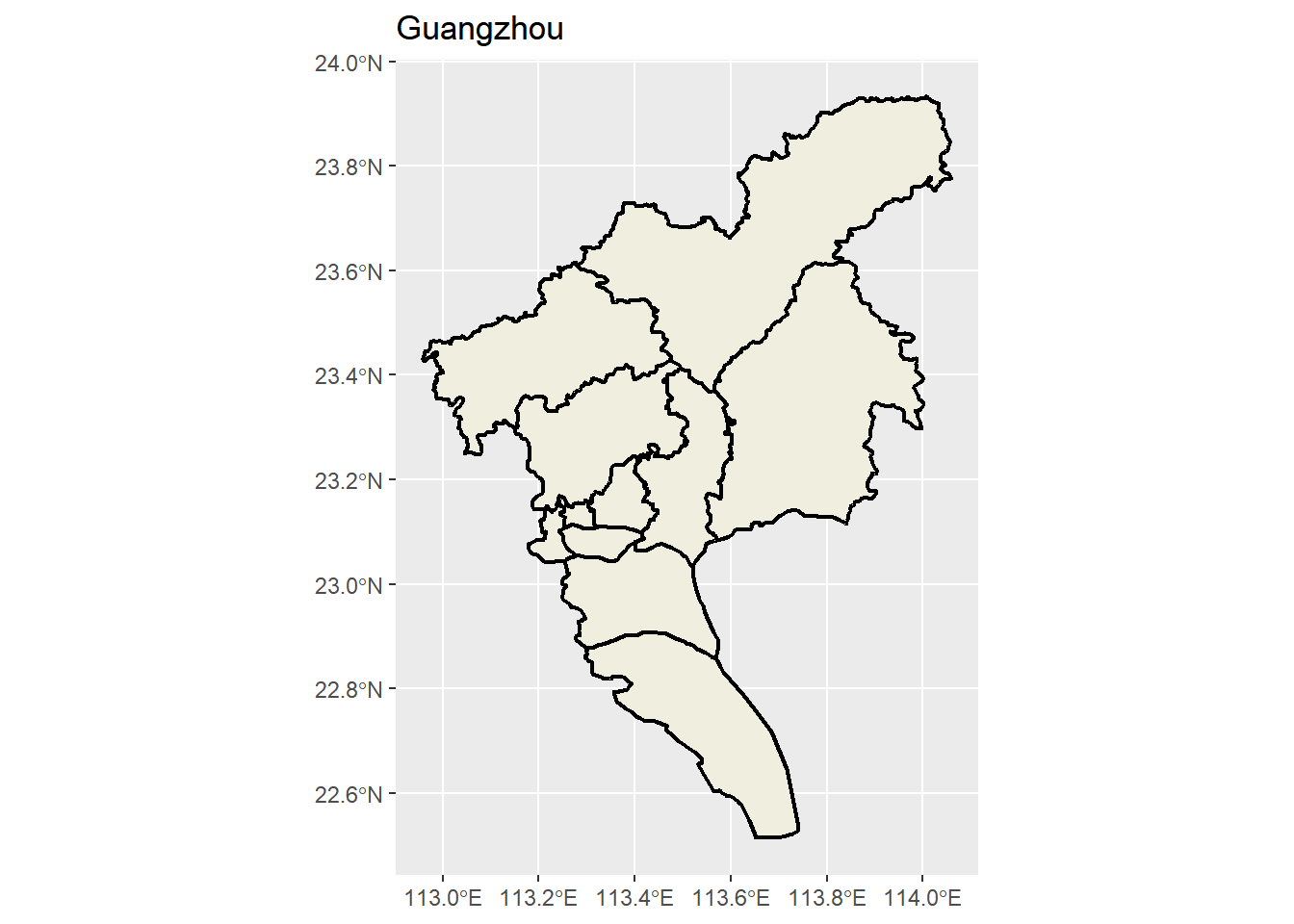
添加指南针annotation
p <- ggplot() +
  labs(title = "Guangzhou", x = NULL, y = NULL) +
  geom_sf(data = map, fill = c("#f0eedf"), size = 0.8, color = "black") + # 设置比例尺
  annotation_north_arrow(
    location = "tl",
    style = north_arrow_nautical(
      fill = c("black", "white"),
      line_col = "black"
    )
  )
p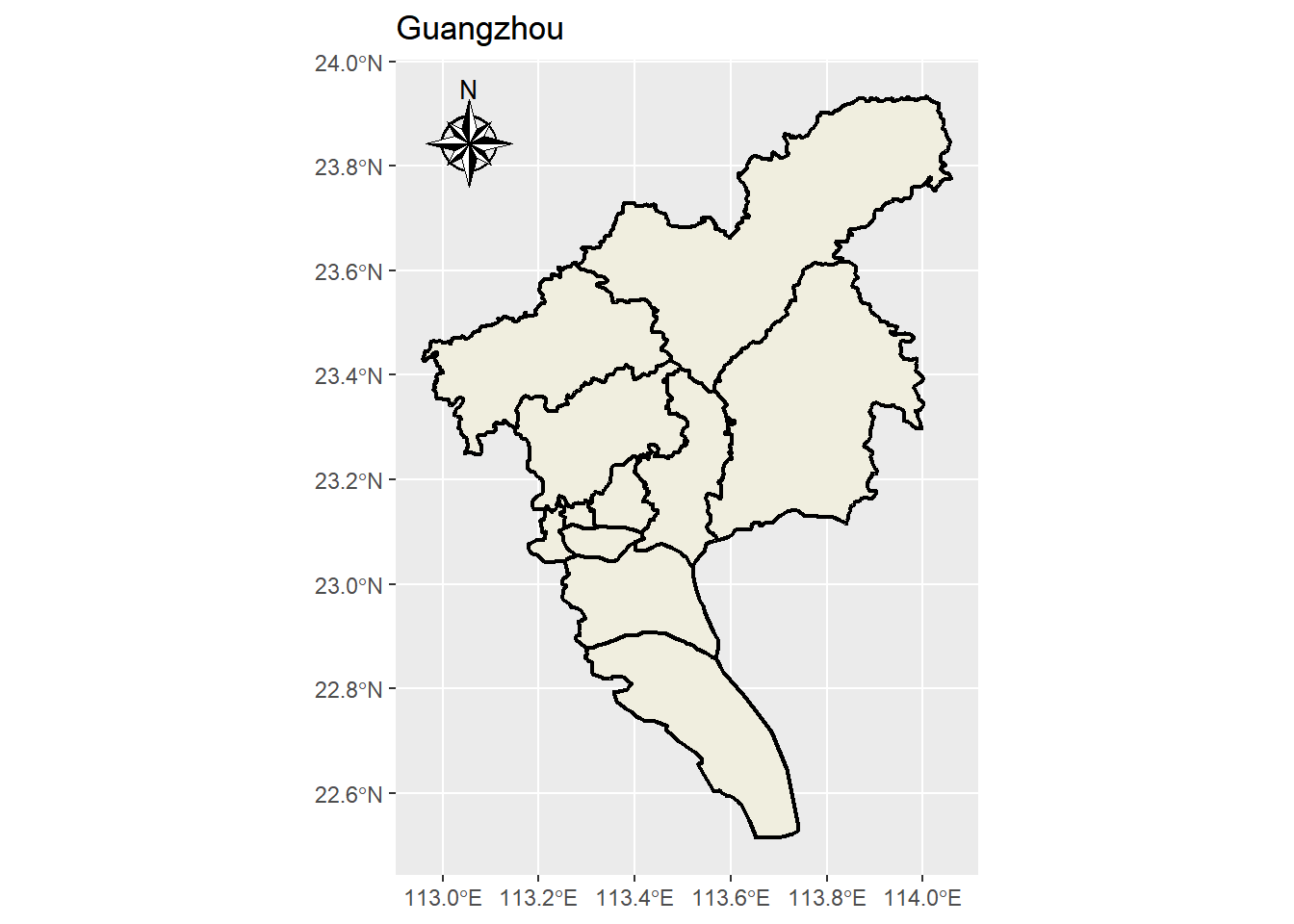
我们来自定义绘图内容
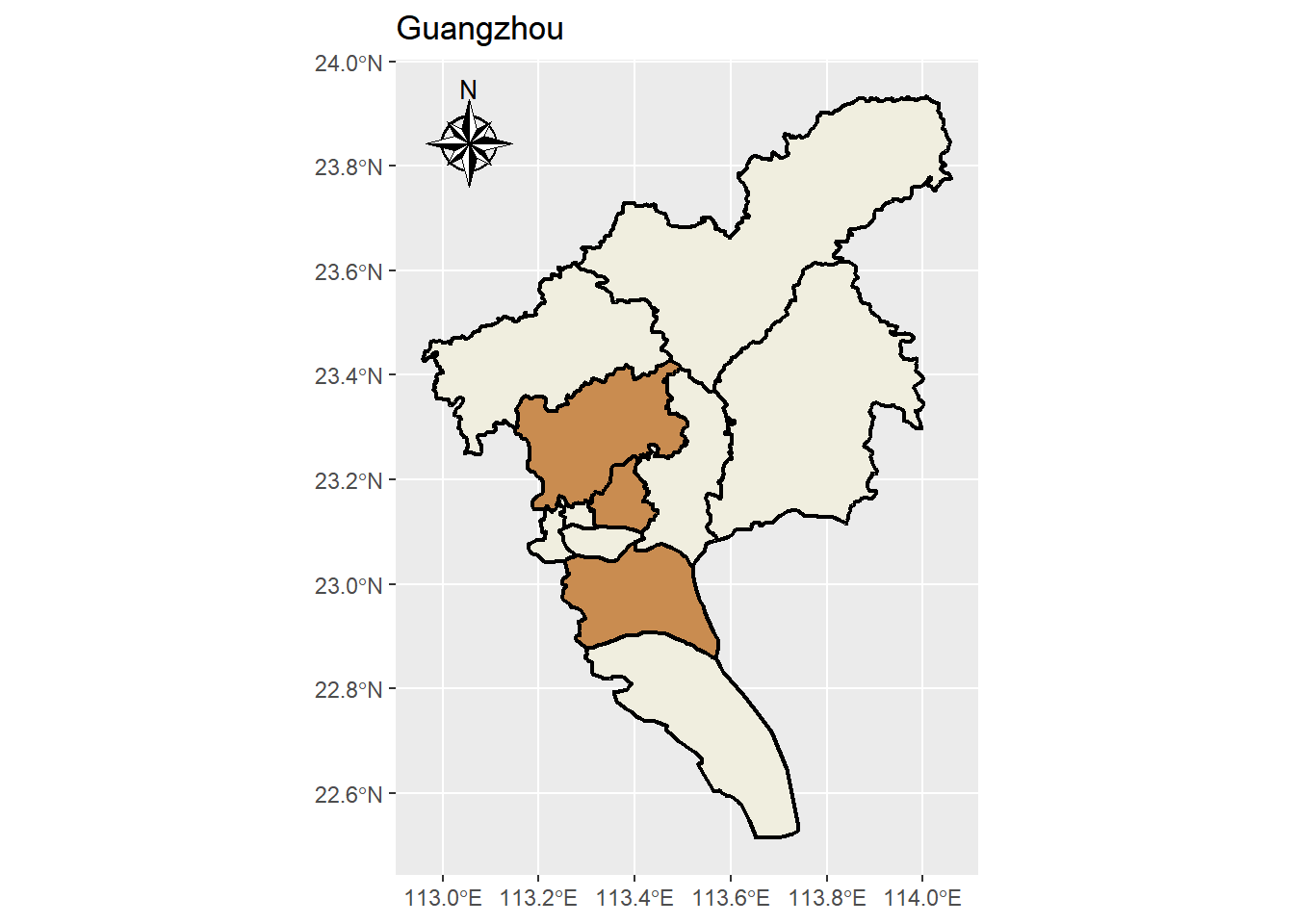
设置白云区天河区突出显示
我们新加一个图层就可以,然后fill填充亮色
p + geom_sf(
  data = map |> dplyr::filter(name %in% c("天河区", "白云区", "番禺区")),
  fill = c("#c98c50"),
  size = 0.8,
  color = "black"
)
设置text
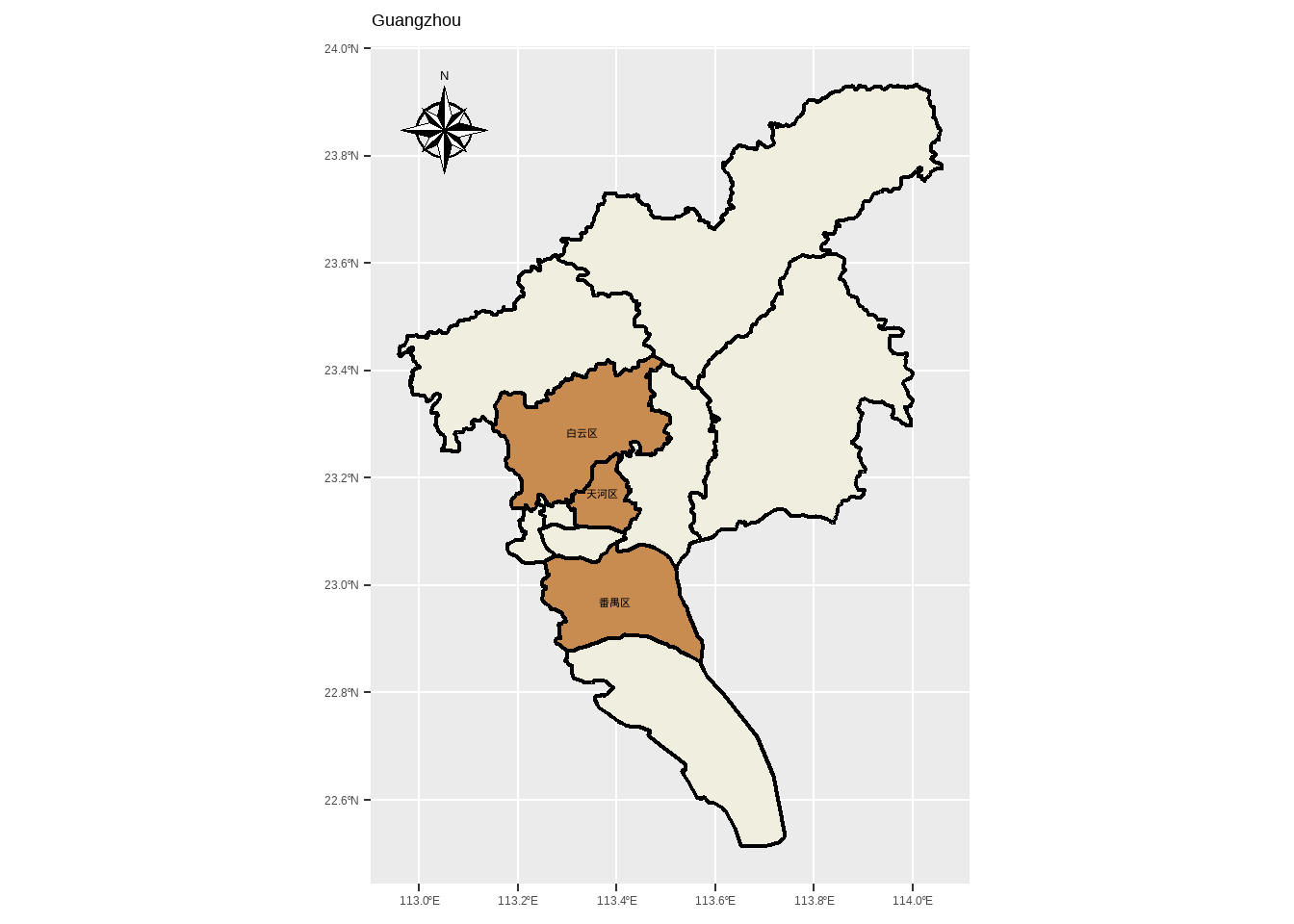
接下来我们要在图里标注部分区名
library(showtext)
showtext::showtext_auto()
p + geom_sf(
data = map |> dplyr::filter(name %in% c("天河区", "白云区", "番禺区")),
fill = c("#c98c50"),
size = 0.8,
color = "black"
) +
geom_sf_text(
data = map |> dplyr::filter(name %in% c("天河区", "白云区", "番禺区")),
aes(label = name),
size = 3,
color = "black",
fontface = "bold"
)
设置一个合适的主题
p2 <-
p + geom_sf(
  data = map |> dplyr::filter(name %in% c("天河区", "白云区", "番禺区")),
  fill = c("#c98c50"),
  size = 0.8,
  color = "black"
) +
  geom_sf_text(
    data = map |> dplyr::filter(name %in% c("天河区", "白云区", "番禺区")),
    aes(label = name),
    size = 3,
    color = "black",
    fontface = "bold"
) +
theme_minimal()
p2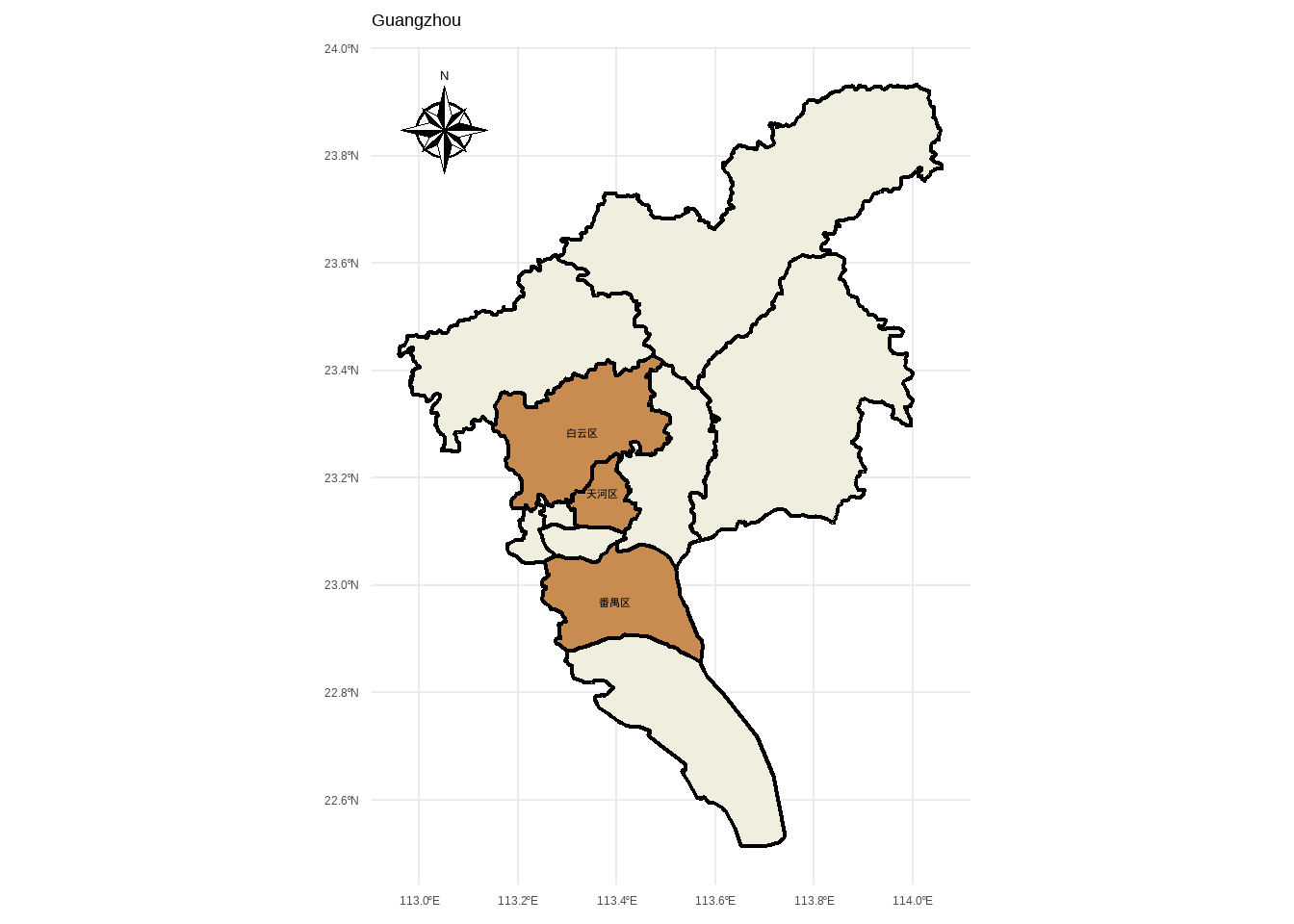
设置根据数值变量对各区的fill进行映射
# 先生成一个随机变量
map_neat_1 <-
  map |>
  dplyr::mutate(
    value = sample(1:100, nrow(map), replace = TRUE)
  )


ggplot() +
  labs(title = "map_neat_1", x = NULL, y = NULL) +
  geom_sf(data = map_neat_1, aes(fill = value), size = 0.8, color = "black") + # 设置比例尺
  annotation_north_arrow(
    location = "tl",
    style = north_arrow_nautical(
      fill = c("black", "white"),
      line_col = "black"
    )
  ) +
  geom_sf_text(
    data = map,
    aes(label = name),
    size = 3,
    color = "black",
    fontface = "bold"
  ) +
  theme_minimal()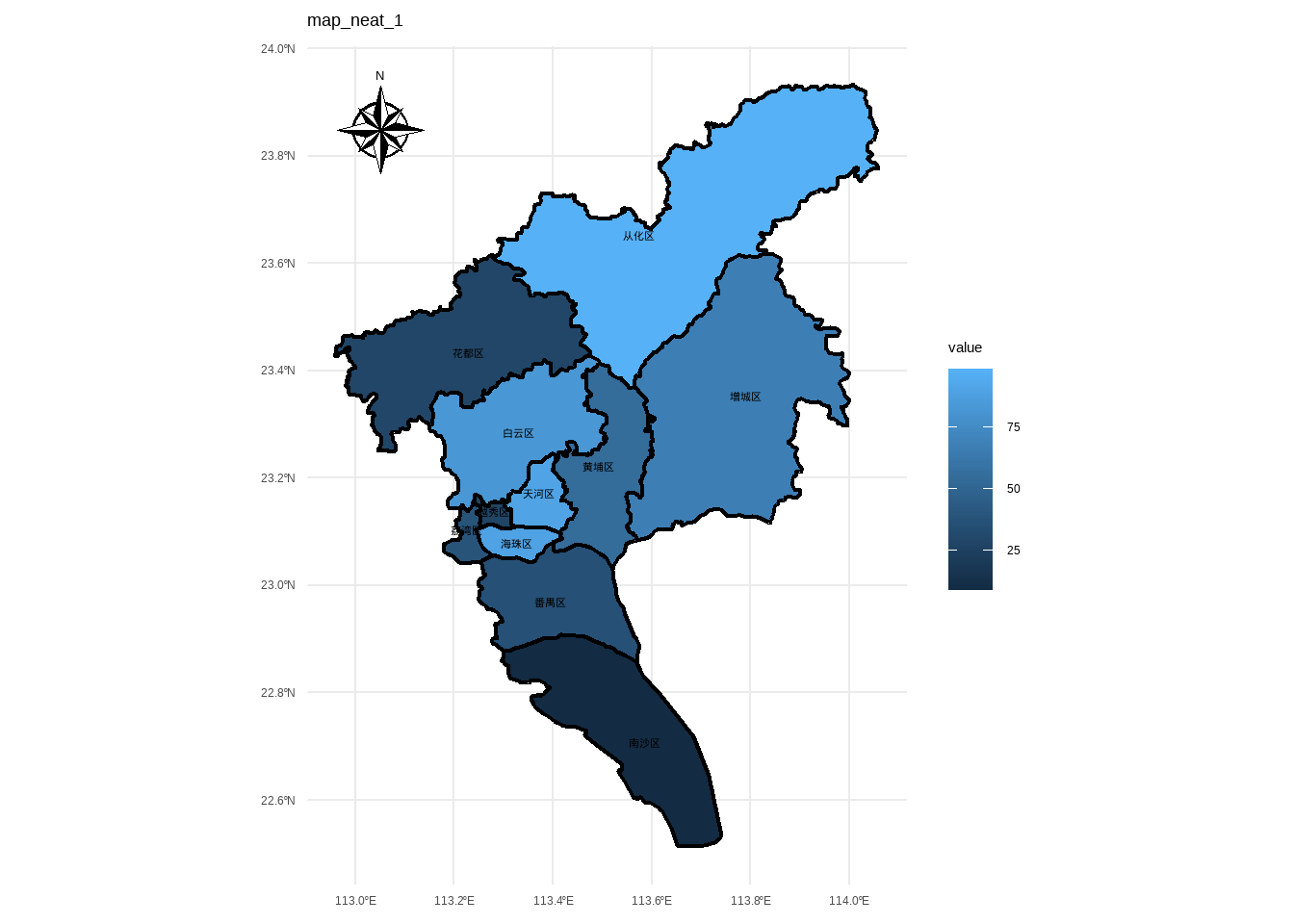
根据分类变量对区进行fill映射
library(MetBrewer)

map_neat_2 <-
  map |>
  dplyr::mutate(
    group = sample(c("A", "B", "C"), nrow(map), replace = TRUE)
  )

ggplot() +
  labs(title = "map_neat_2", x = NULL, y = NULL) +
  geom_sf(data = map_neat_2, aes(fill = group), size = 0.8, color = "black") + # 设置比例尺
  annotation_north_arrow(
    location = "tl",
    style = north_arrow_nautical(
      fill = c("black", "white"),
      line_col = "black"
    )
  ) +
  geom_sf_text(
    data = map,
    aes(label = name),
    size = 3,
    color = "black",
    fontface = "bold"
  ) +
  theme_minimal() +
  scale_fill_met_d("Cassatt1")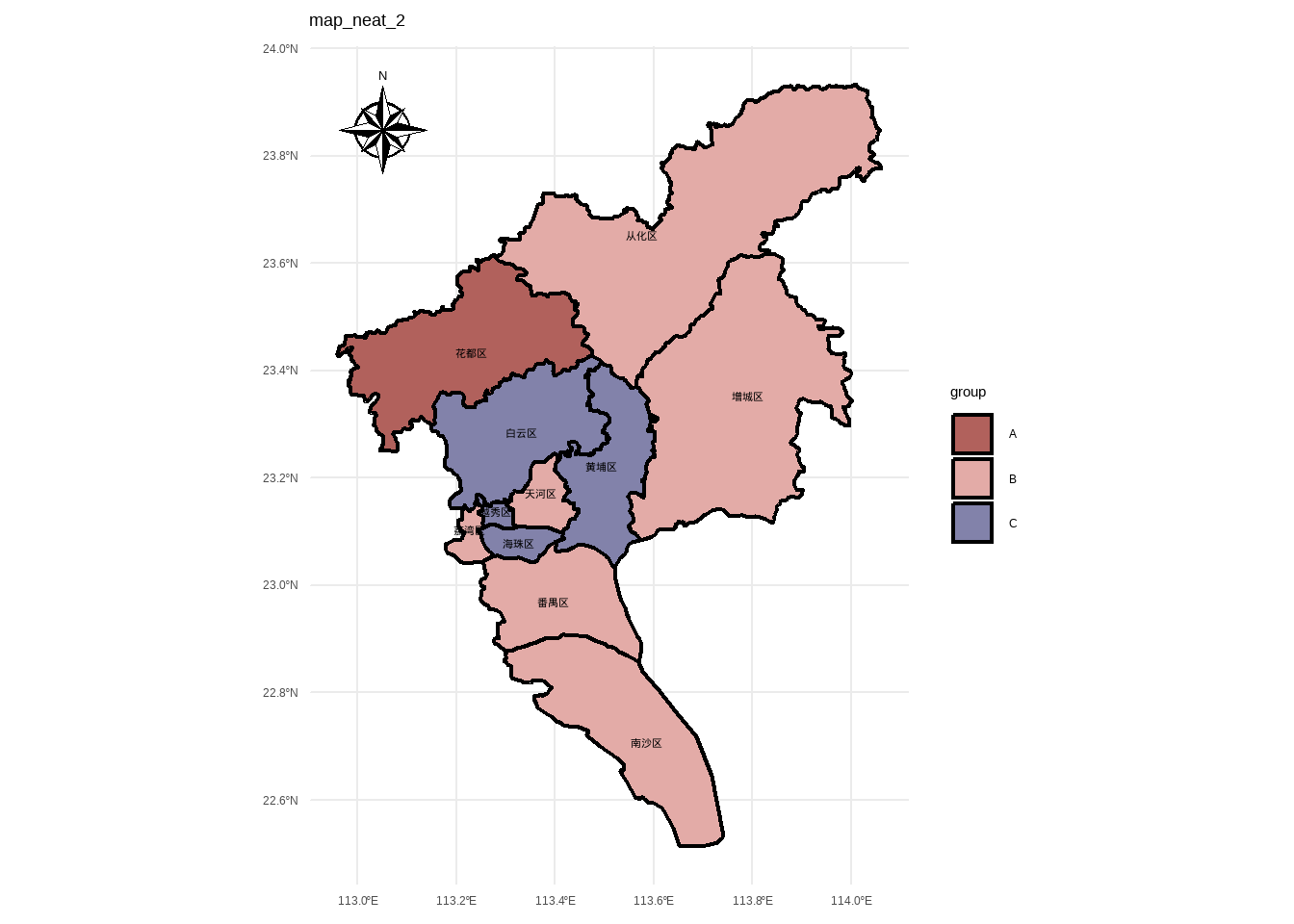
添加采样点
data_sample <-
  tibble::tibble(
    lon = c(113.292333, 113.412333, 113.532333),
    lat = c(23.191944, 23.331944, 22.931944),
    point = c("A", "B", "C"),
  )

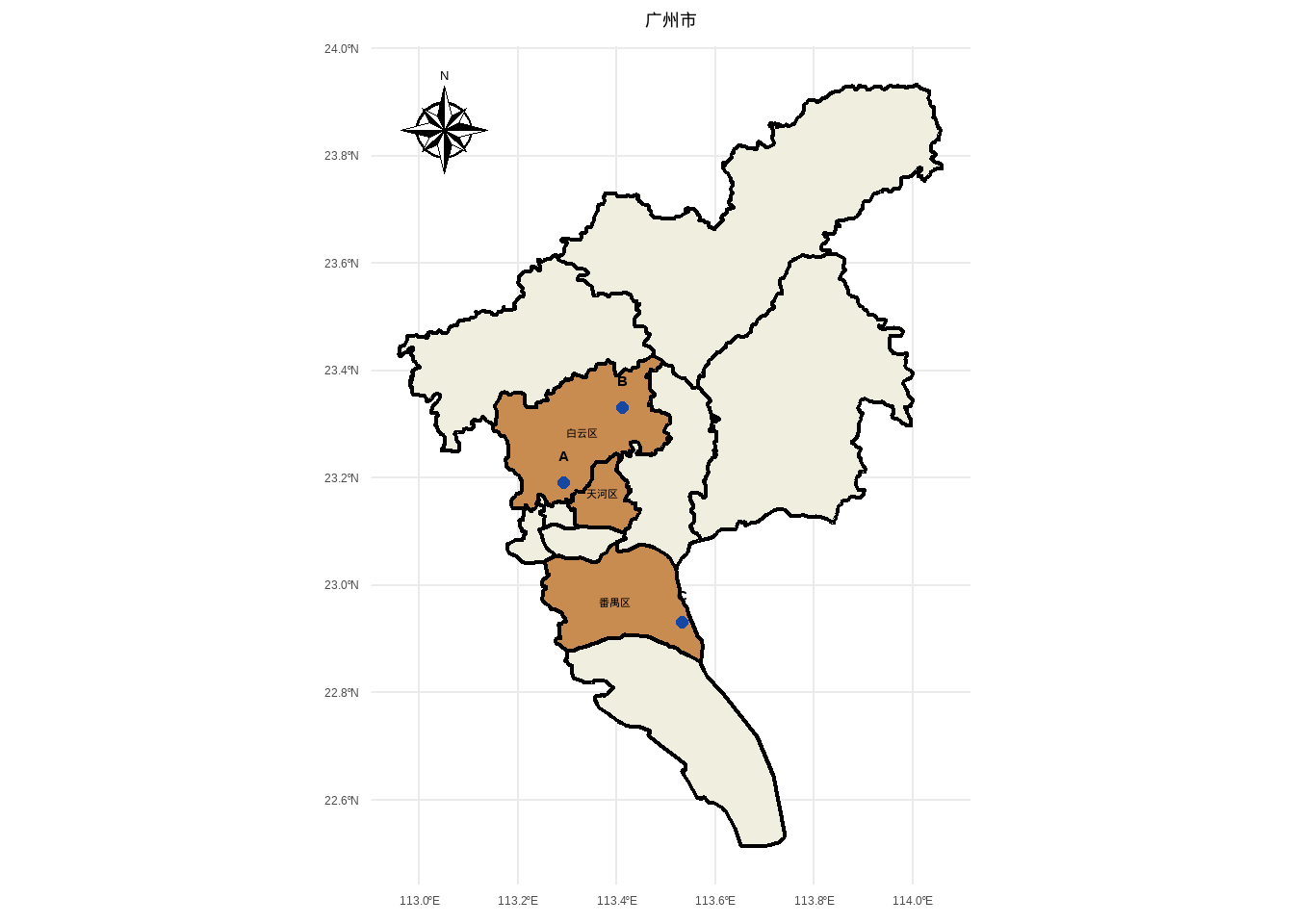
p2 +
  geom_point(
    data = data_sample,
    aes(x = lon, y = lat),
    size = 2,
    color = "#1647a3"
  ) +
  geom_text(
    data = data_sample,
    aes(x = lon, y = lat, label = point),
    size = 4,
    color = "#000000",
    fontface = "bold",
    nudge_y = 0.05
  )+
  labs(title = "广州市")+
  theme(plot.title = element_text(hjust = 0.5))